Customers
Overview
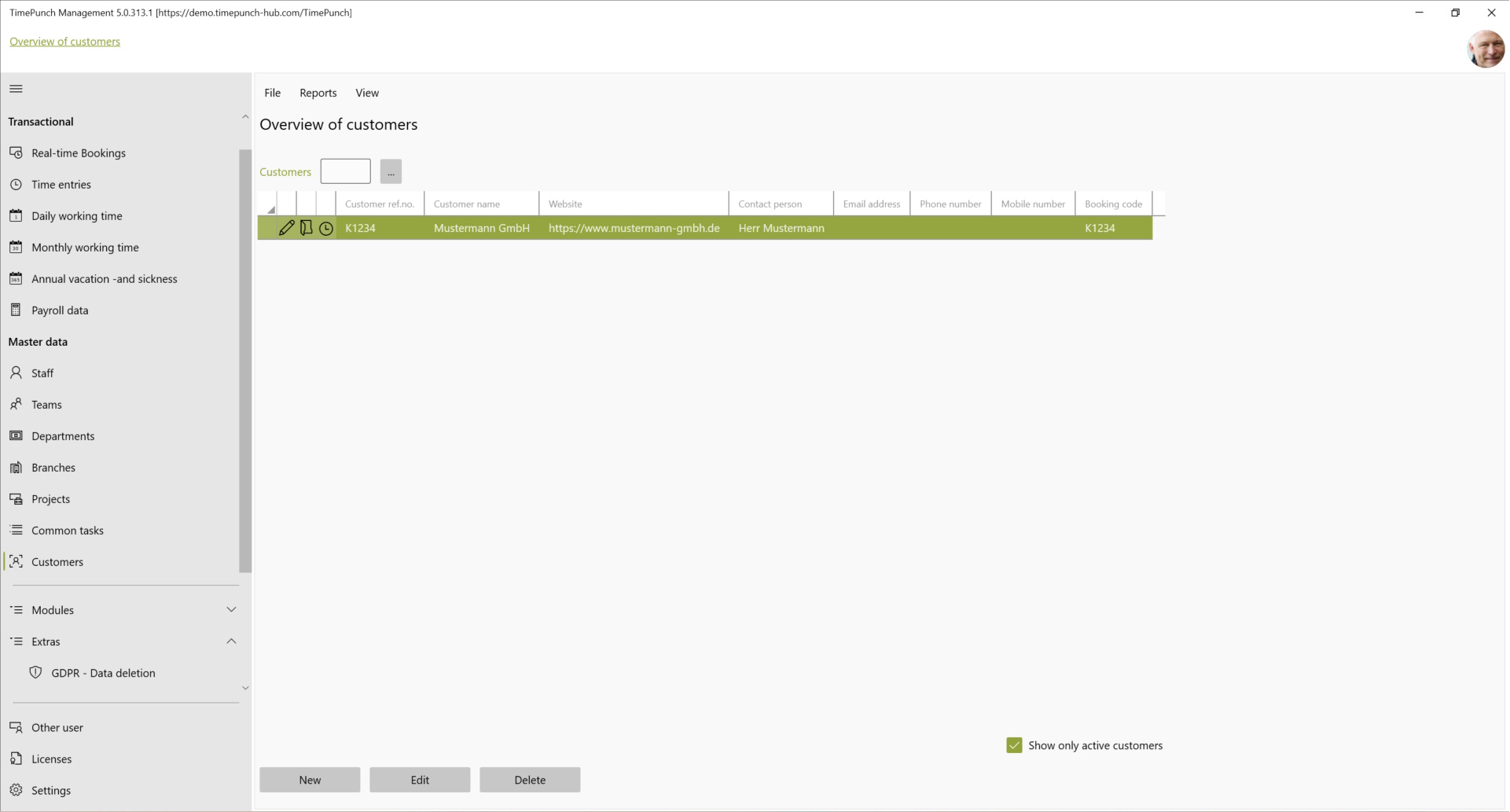
TimePunch offers the possibility to assign time entries to different customers. This enables a customer-specific accounting of the hours worked. The "Customers" page shows the customers stored in TimePunch.
Creating and editing customers
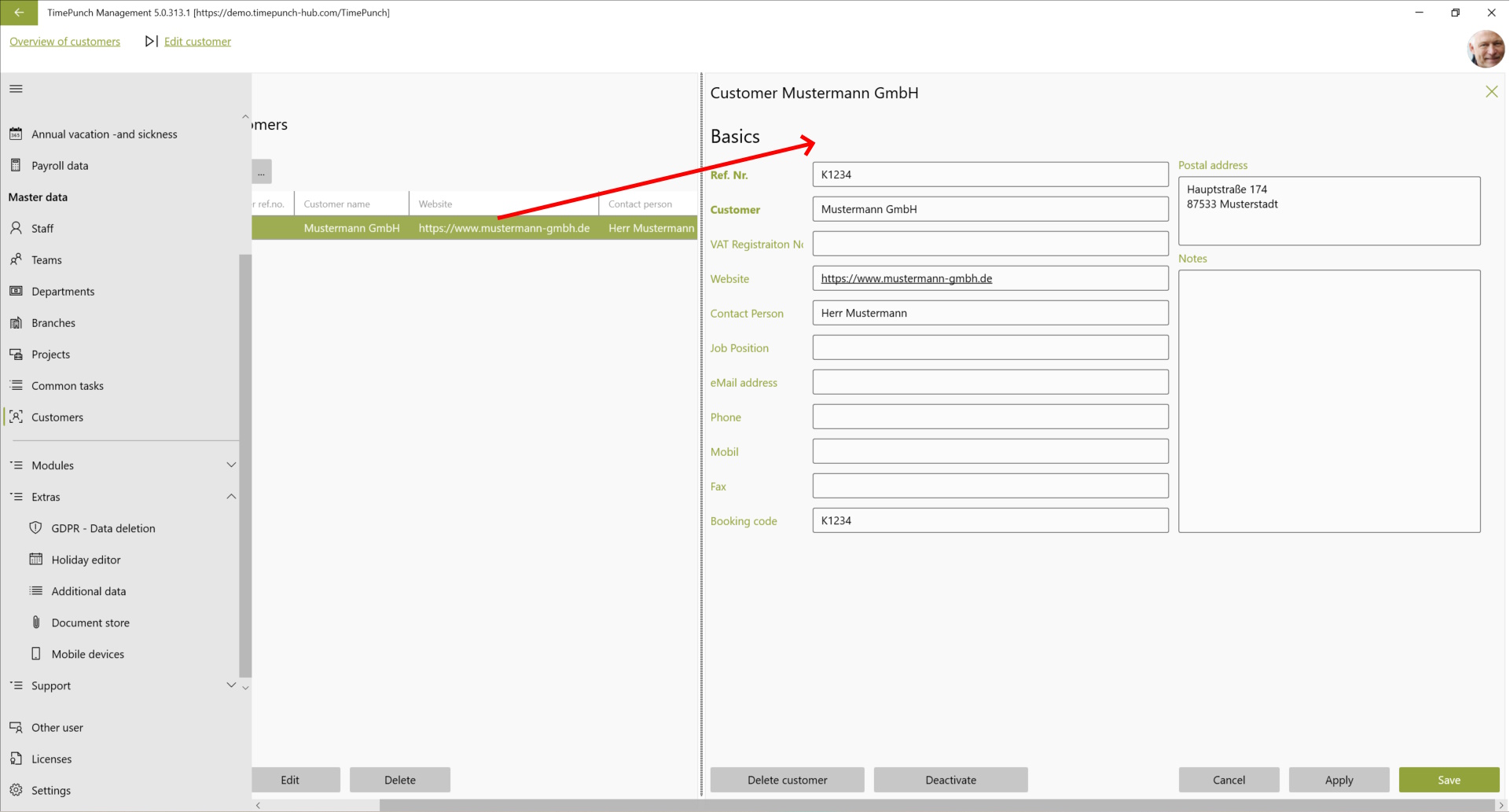
Customers can be created and edited in the system using the "New" and "Edit" buttons. After selection, a new worksheet opens with the customer data.
Tip : Customers can be directly assigned to individual projects. This means that the customer is immediately preselected if a corresponding project is selected when creating the time entry. is selected when the time entry is created.